The Big Secret of Getting Found on Google
David Naves2020-11-28T13:20:02-08:00My latest video explaining: The Big Secret of Getting Found

My latest video explaining: The Big Secret of Getting Found
Podcast: Social Lurking - Explained in Plain English Social Lurking
Podcast: Google Analytics in Plain English Google Analytics in
Podcast: Sexy Bookmarks Wordpress Plug-in: Explained in Plain English
Breaking Down the LIES from Marketers & SEOs that ~Guarantee
Podcast: How to Use Google Calendar - Explained in Plain
Podcast: Selling Services on Amazon - Explained in Plain English
Podcast:How to Advertise Products on Amazon How to Advertise
Podcast:What is Fulfillment by Amazon? What is Fulfillment by
Podcast: How to Sell on Amazon.com Amazon.com How
Podcast: How to Make Money via Amazon Associates How
Podcast: Advanced Google Searching Techniques Advanced Google Searching Techniques
Podcast: Amazon Prime in Plain English Amazon Prime in
Podcast: Advanced Blogging Techniques Using Wordpress - Explained in Plain
Podcast: Advanced Advanced Gmail Techniques - Explained in Plain English
Podcast: Youtube for Business - Explained in Plain English
Podcast: How to Use Linkedin Linedin in Plain English
Podcast: What is Google Hangouts? Explained in Plain English
Podcast: SEO - Search Engine Optimization Explained in Plain English
Podcast: Hootsuite Explained in Plain English Hootsuite Explained in Plain
Podcast: Social Networking Explained in Plain English Social Networking Described
Podcast: Facebook Hidden Features Facebook's Hidden Features Described in Plain
How to make money Using Pinterest How to
Podcast: How to Use Twitter How to Use Twitter in
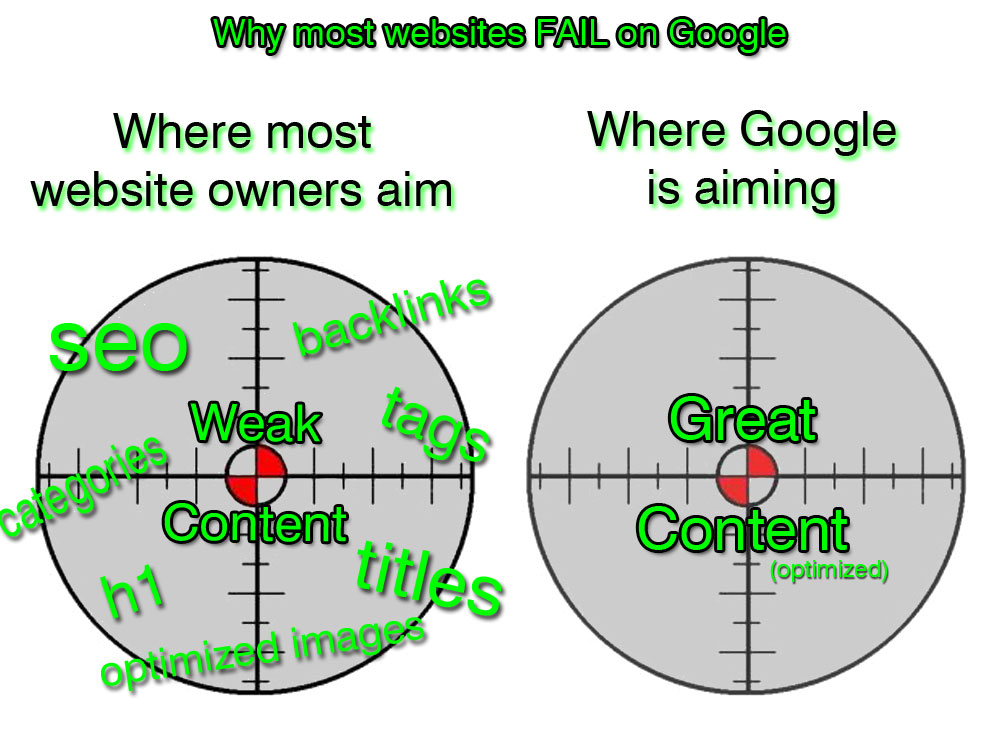
Why some sites don't rank well on Google
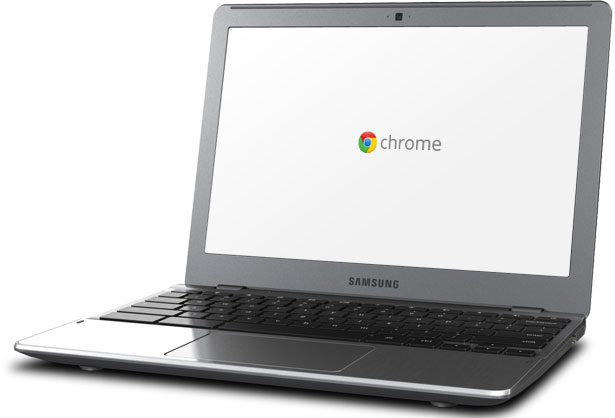
Why You Might Want Your Next Computer to be a
Once again, as a protective dad, I felt compelled to
Do you use more than one domain name for a
Do not use username "admin" in Wordpress Do you
Tips for saving time, money and frustration when it comes